

⚙️ Download Microsoft .NET Framework 3.5 Service Pack 1 (Full Package) – Offline Installer for Windows
📝 Overview
Microsoft .NET Framework 3.5 Service Pack 1 (SP1) is a complete offline setup package designed to help Windows users run and develop modern software applications smoothly.
It includes all essential libraries, runtime components, and updates required for running programs built on the .NET Framework 2.0, 3.0, and 3.5 platforms.
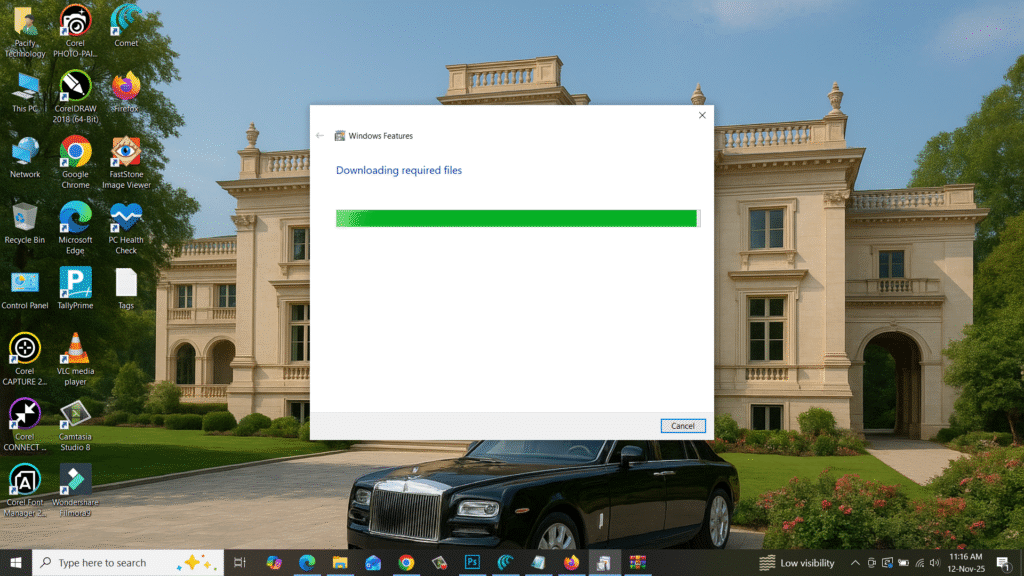
This Full Package allows you to install .NET Framework 3.5 SP1 even without an internet connection — perfect for offline systems, IT technicians, and developers.
It’s compatible with Windows 7, 8, 8.1, 10, and 11 (both 32-bit & 64-bit).
⚙️ Key Features
- 🧩 Full Offline Installer: Install without requiring internet connectivity.
- ⚙️ Backward Compatibility: Supports apps built with .NET 2.0, 3.0, and 3.5.
- 🔒 Security Updates Included: Comes with the latest service pack fixes and patches.
- ⚡ Improved Performance: Optimized runtime for faster app execution and stability.
- 💡 Developer Friendly: Includes all necessary assemblies and development tools.
- 🧠 Multi-Language Support: Works seamlessly across multiple locales.
- 🔄 Enhanced Data Access: Improved ADO.NET, WCF, and LINQ support.
- 🧰 Easy Integration: Required for many popular Windows software and games.
- 🧹 System-Wide Support: Enables smooth operation of legacy and new apps.
💻 System Requirements
Operating System: Windows 7 / 8 / 8.1 / 10 / 11 (32-bit & 64-bit)
Processor: Intel Pentium IV or higher
Memory (RAM): Minimum 512 MB (1 GB recommended)
Storage: 500 MB of free disk space
Internet: Not required for installation (Offline Setup)
🔑 License Information
Version: Microsoft .NET Framework 3.5 SP1
License Type: Freeware (Official Microsoft Software)
Developer: Microsoft Corporation
Release Type: Full Offline Installer
✅ This is the official full offline package provided by Microsoft for .NET Framework 3.5 SP1, ensuring a safe and verified installation for all supported Windows systems.
📥 Download & Installation Steps
- Click on the “Download” button below to get .NET Framework 3.5 SP1 Full Package.
- Once downloaded, right-click and select “Run as Administrator.”
- Follow the on-screen setup instructions.
- Restart your PC after installation for the best performance.
- Enjoy seamless software compatibility and improved performance.
💡 Recommended Tools (Optional)
👉 Download WinRAR – Extract Setup Files Easily
👉 Download PC Health Check – Optimize System Performance
⚠️ Disclaimer
This setup file is an official Microsoft product and provided for free.
All rights belong to Microsoft Corporation.
It is distributed for educational and IT deployment purposes via SoftFiles.in for user convenience.
Password : www.softfiles.in









